October 20, 2026
Xbox controller menus
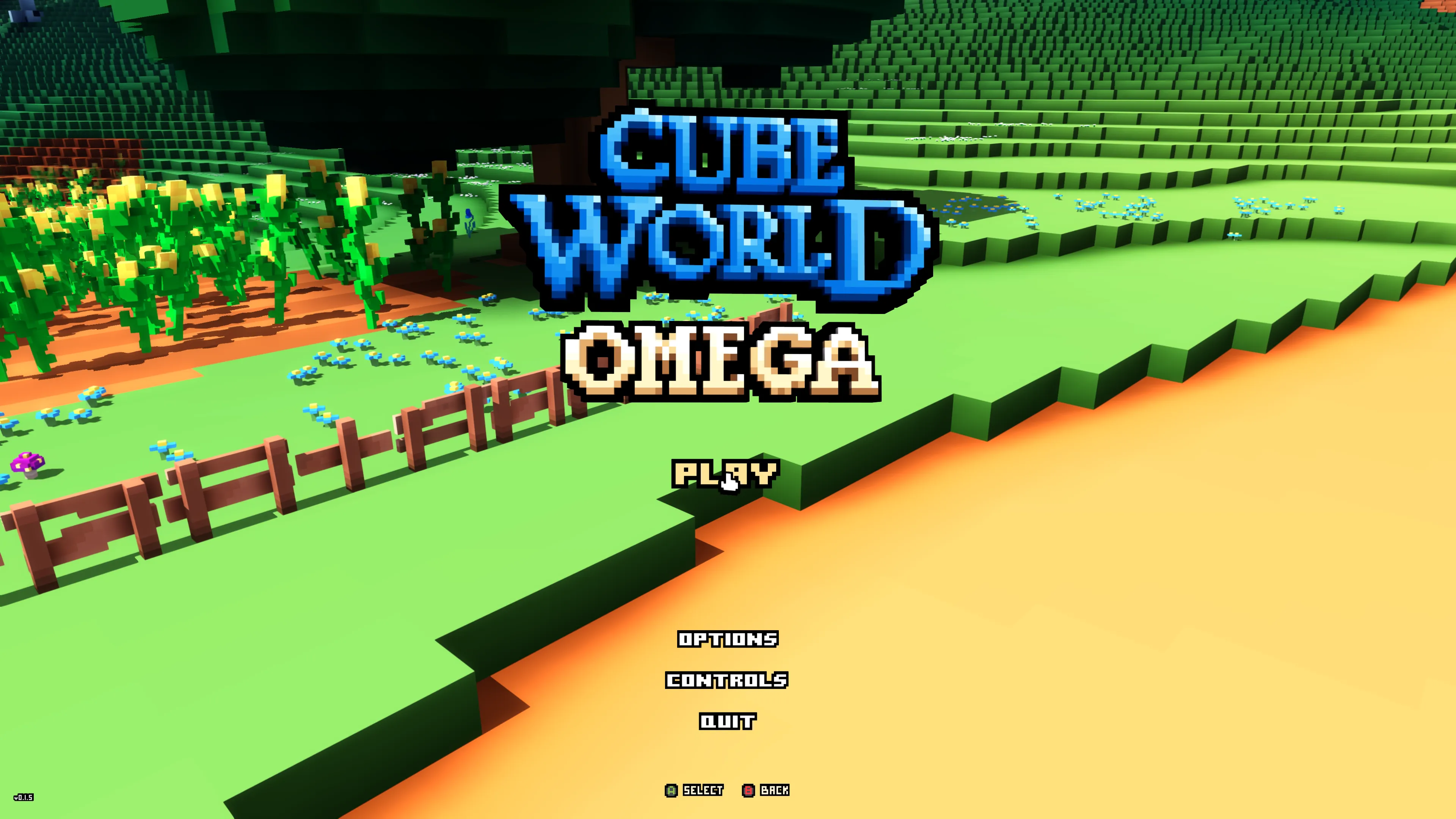
I’ve been working on Xbox controller support in Cube World Omega, with a focus on making the menus easier to use. The familiar hand cursor now hops between entries with the D-pad, and Xbox button icons show the available actions. Here’s the start screen with controller controls:
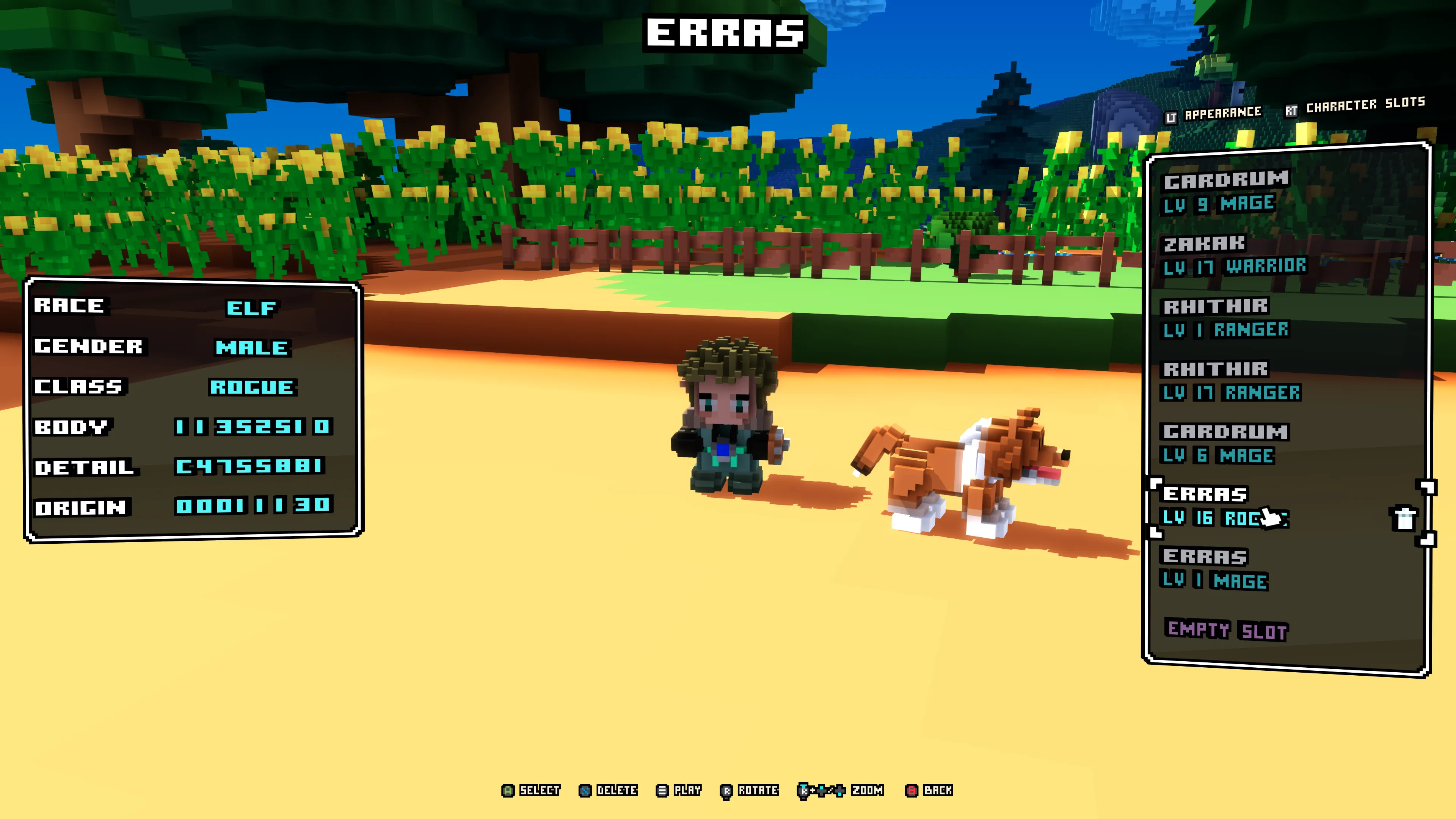
You can select a character, change their appearance and adjust individual seed digits with the controller. The triggers switch between appearance and character slots, while the right stick lets you look around your character. You can zoom the camera, too.
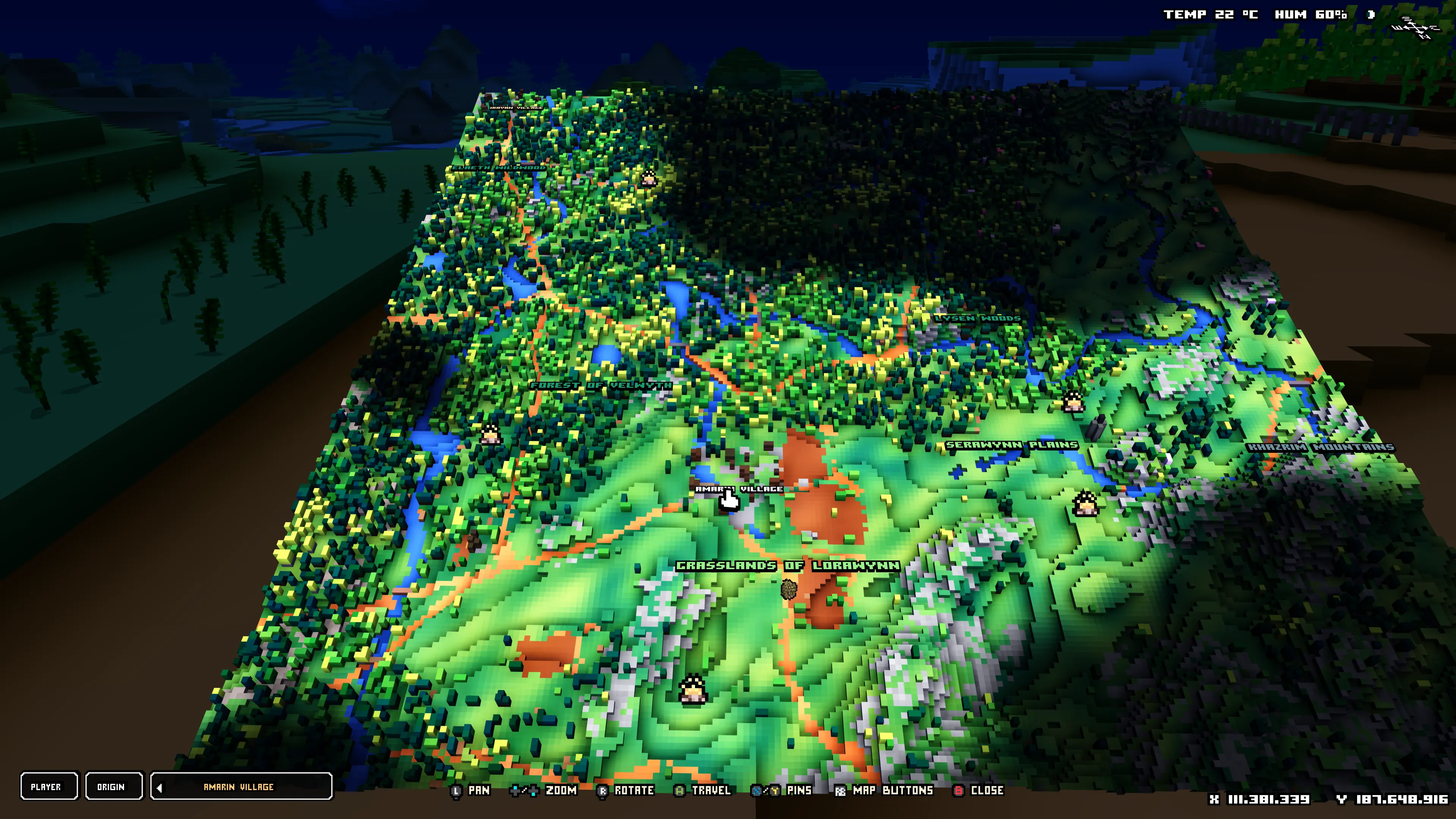
On the world map, the left stick pans across the landscape and the right stick rotates the view. The D-pad zooms in and out, with controls for travel, pins and the map buttons shown at the bottom.
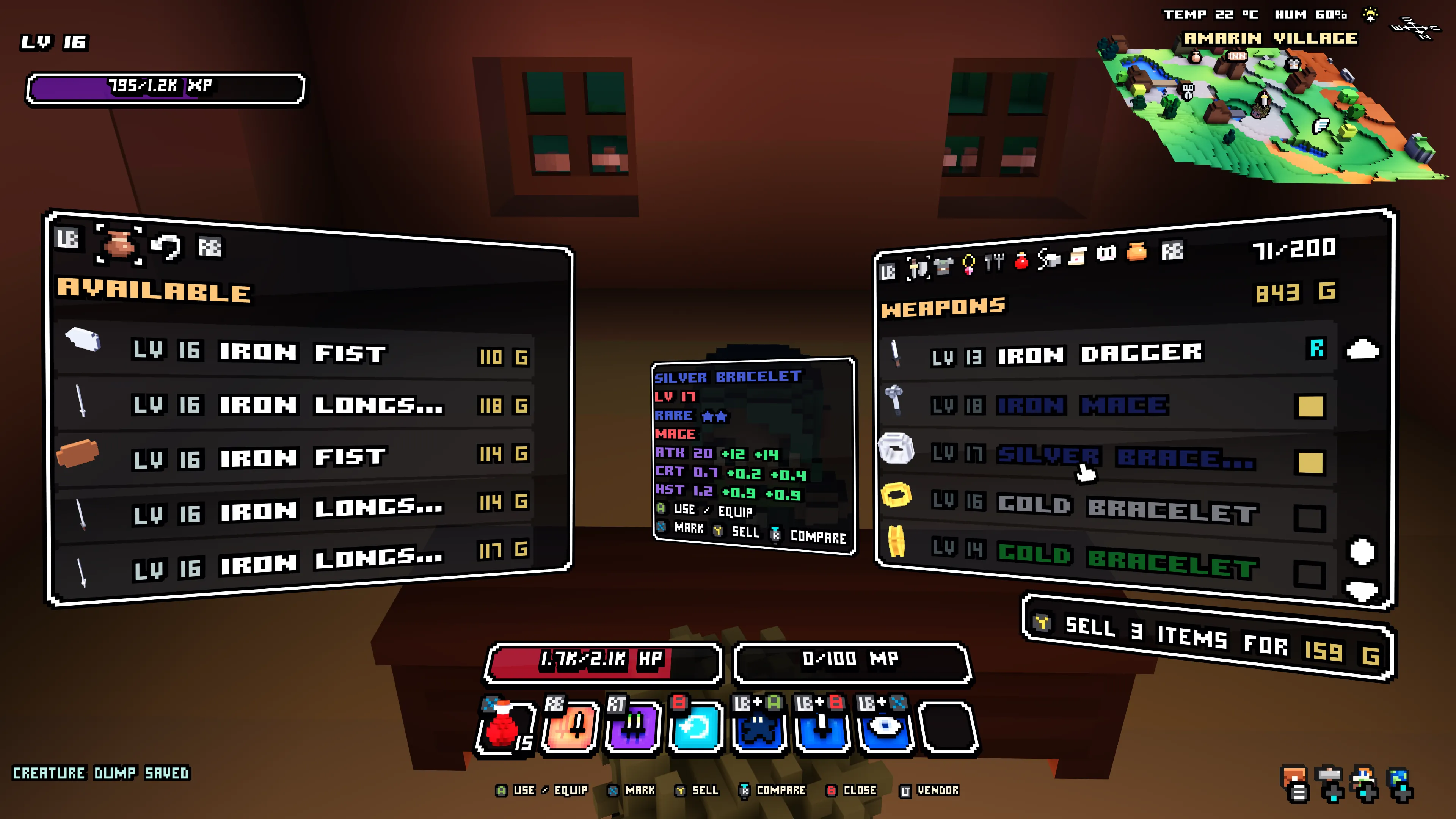
Inventory, crafting and trading now have controller navigation as well. The shoulder buttons switch tabs, and the triggers move between panels. At a vendor, you can mark several items with X and sell them together with Y, or compare equipment by pressing the right stick.
You can switch between controller and mouse at any time. The mouse takes over right where the hand cursor was, so you can carry on from the same spot.
The 0.1.6 patch notes have the full list. I’m looking forward to hearing how the new controls feel with your gamepads!
Wollay